Scan to Download
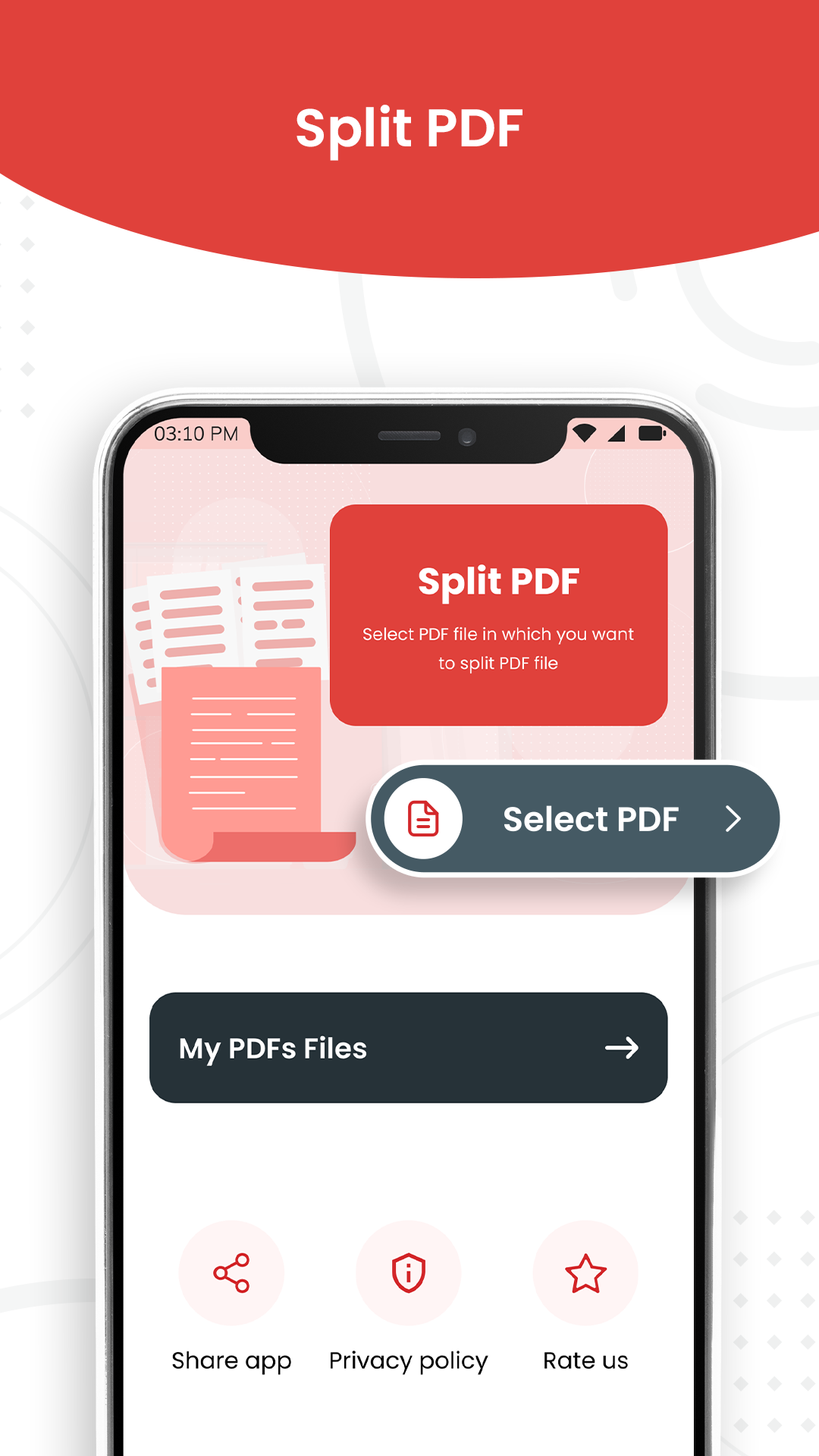
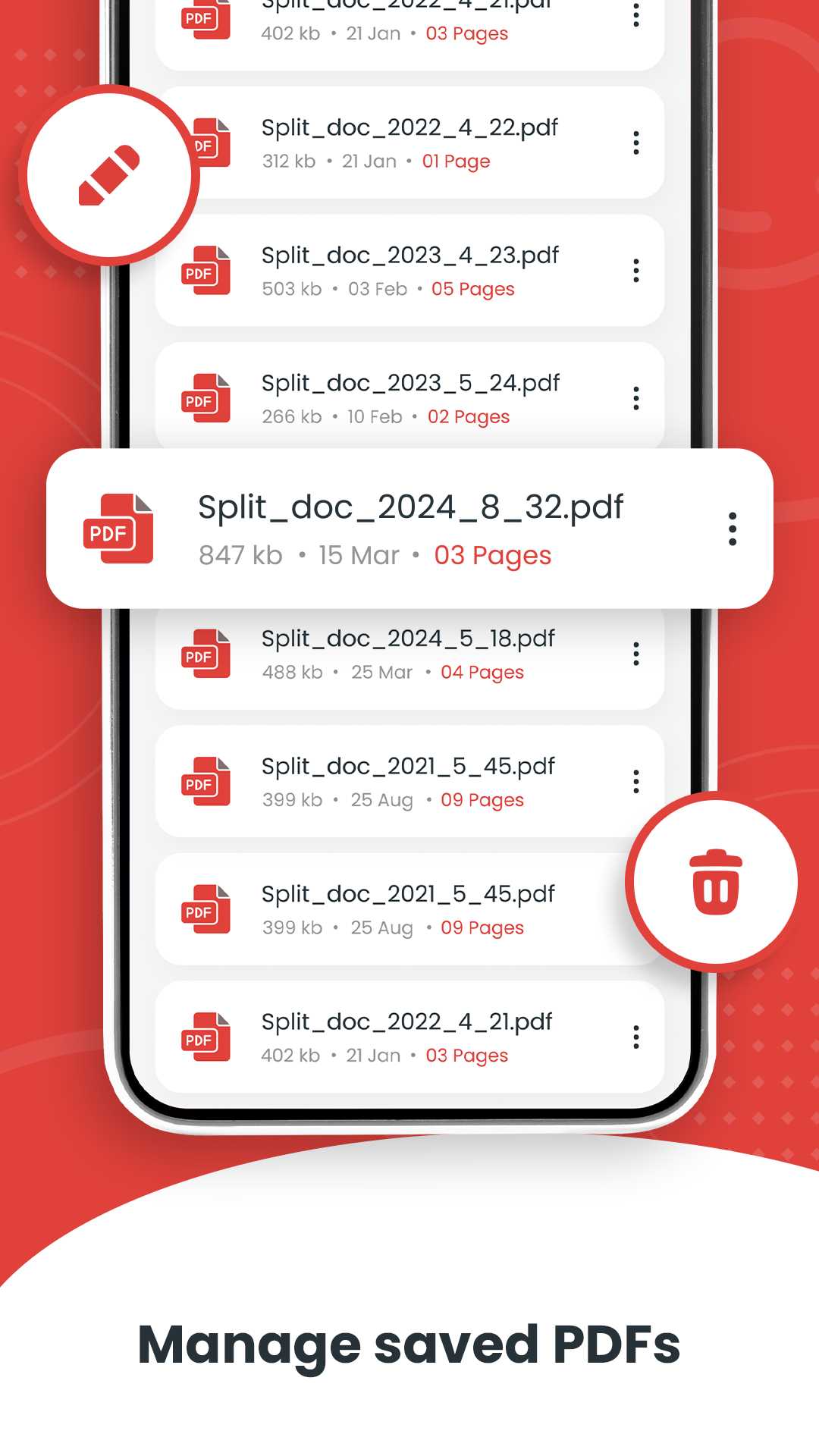
Split PDF, Remove PDF Pages is a handy productivity app that allows users to manage PDF documents by splitting files or removing unwanted pages. With a simple interface, the app makes it easy to organize PDFs for work, school, or personal use. Whether you need to extract specific sections or reduce file size, Split PDF, Remove PDF Pages provides an efficient way to edit PDF files directly on your device.
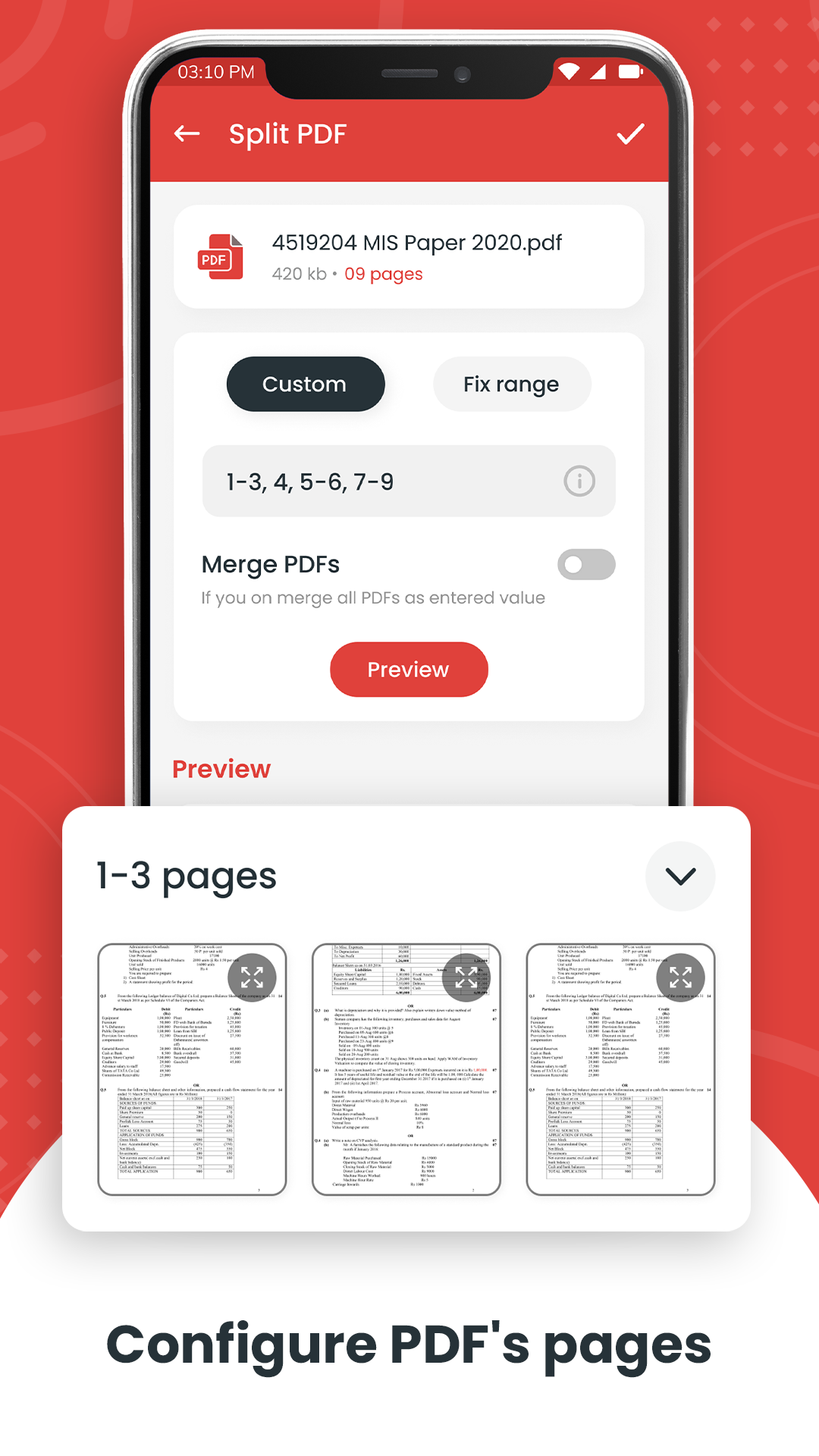
1. Split PDF, Remove PDF Pages lets users divide a PDF into multiple smaller files based on selected pages.
2. The app allows removal of unwanted pages from PDF documents quickly and easily.
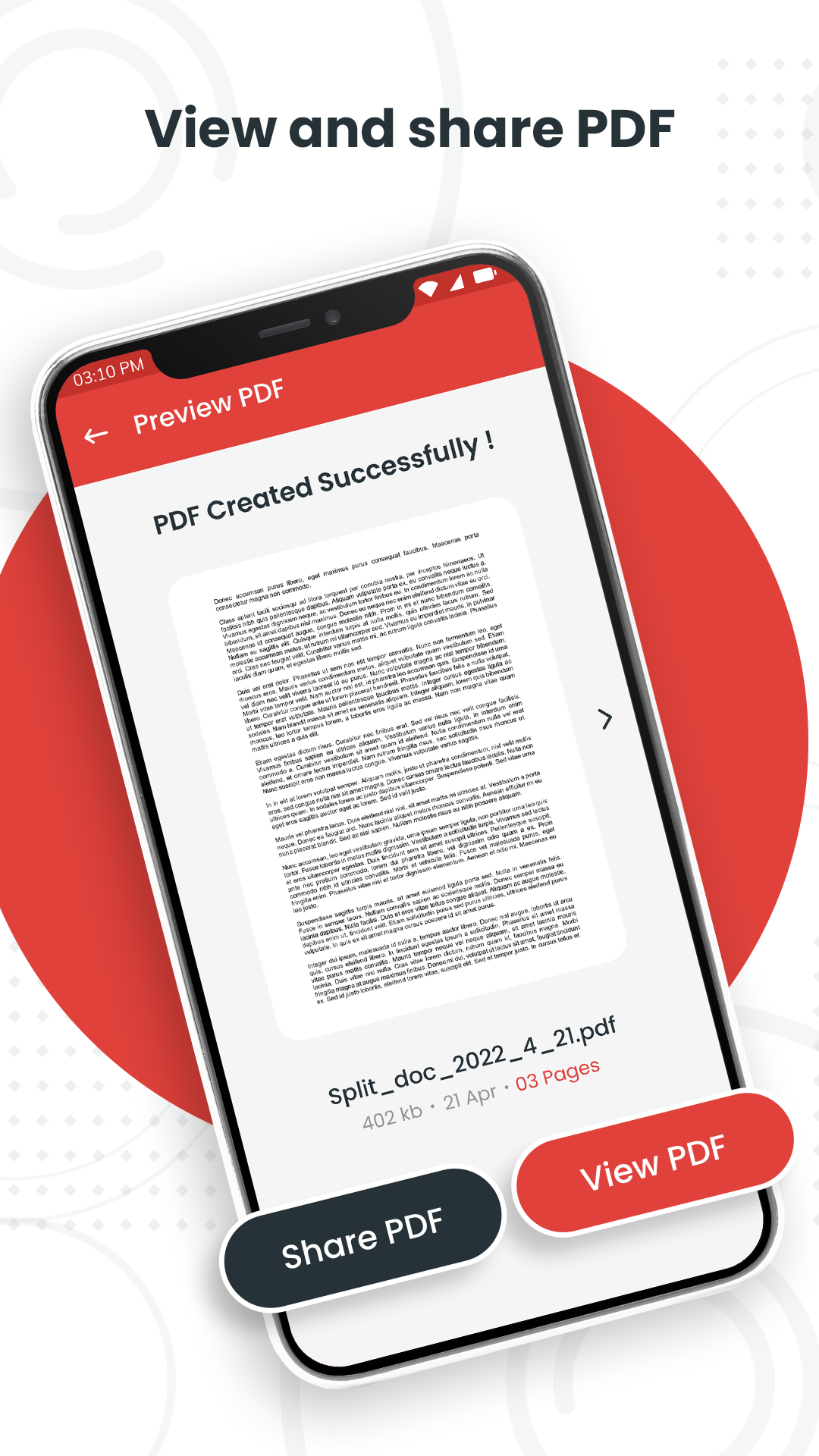
3. Users can preview PDF files before editing to ensure the correct pages are split or removed.
4. The app supports saving edited PDFs in high quality without losing formatting.
5. Split PDF, Remove PDF Pages works offline, making it convenient to manage files without an internet connection.
1. Preview your PDF before splitting or removing pages to avoid accidental deletion.
2. Name new PDF files clearly when splitting to keep documents organized.
3. Keep a backup of the original PDF before making edits in case you need to revert changes.
4. Use the app to remove blank or unnecessary pages to reduce file size for easier sharing.
5. Combine multiple edits at once to save time rather than editing pages individually.
Split PDF, Remove PDF Pages is a practical and user-friendly app for managing PDF documents. With tools to split files and remove unnecessary pages, it simplifies PDF organization and improves workflow for students, professionals, and casual users. If you want an easy way to edit PDFs on your device, Split PDF, Remove PDF Pages is an effective and reliable solution.
File size: 90.65 M Latest Version: 7.9
Requirements: Android Language: English
Votes: 307 Package ID: com.pdfconverter.splitpdf
Developer: keytools inc
Level up your phone with the most helpful tools for Ultimate productivity. From image editors and file managers to task trackers and weather widgets, these top-rated essentials make everyday tasks smooth and easy. Get organized, save time and optimize workflows with a powerful toolbox by downloading these editor's choice utilities today. Your phone will never be the same again!




































Comment